

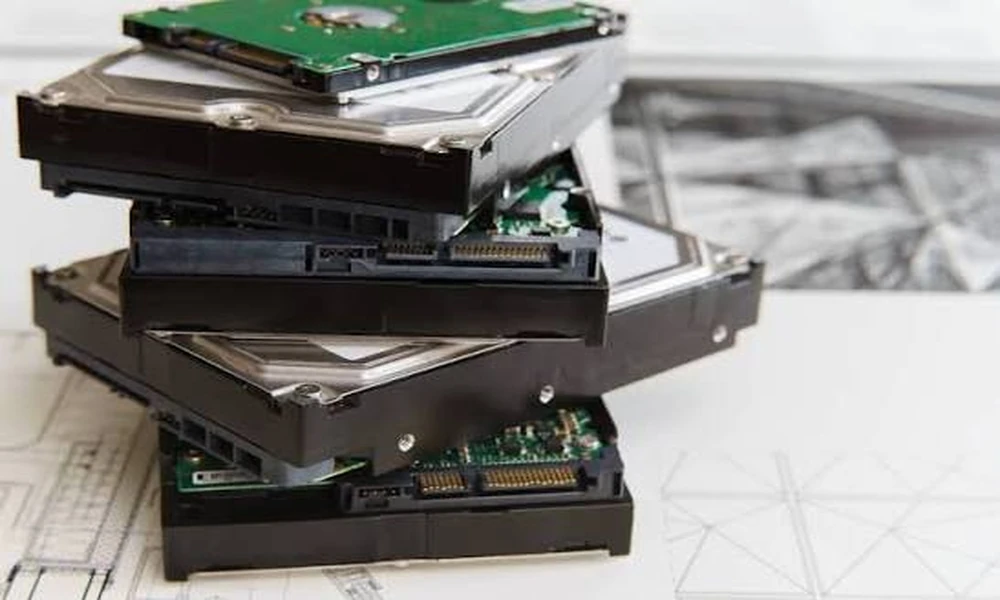
Most offices assume that a drive is safe once its files have been deleted or the disk has been formatted. In practice neither step removes the underlying data, and a retired drive that leaves the building in that state is one of the easier ways for confidential records to reach the wrong hands. Treating secure hard disk disposal as a defined process, with a chosen method, a documented handover and proof of the outcome, is what separates a controlled retirement from a hopeful one.
Why Deletion and Formatting Fall Short
Deleting a file removes the pointer that tells the operating system where the data sits, not the data itself. A quick format rebuilds the file table and leaves almost everything beneath it intact. Freely available recovery software can rebuild documents, mailboxes and databases from drives treated this way, often within minutes. Even a full format on older systems does not guarantee that every sector has been overwritten. The drive looks empty to the user while remaining readable to anyone who is curious.
What Counts as a Hard Disk Today
The term covers far more than the spinning disk inside a desktop. Laptops carry solid state drives, servers hold arrays of enterprise disks, and network storage units may contain a dozen more. Photocopiers and multifunction printers store scanned images on internal drives. Backup tapes, external USB drives, CCTV recorders and point-of-sale terminals all hold data too. A disposal exercise that counts only the obvious computers will usually miss a meaningful share of the organisation’s stored information.
The Three Recognised Levels of Sanitisation
Widely used guidance on media sanitisation describes three outcomes. Clearing overwrites the storage space so that standard recovery tools cannot read it. Purging uses techniques such as cryptographic erase, firmware-level secure erase or degaussing to defeat laboratory recovery as well. Destroying renders the media physically unusable through shredding, crushing or disintegration. The right level depends on how sensitive the data is and whether the drive is expected to be used again, not on habit or convenience.
Deciding Between Reuse and Destruction
Destruction is not automatically the correct answer. A recent laptop or server with healthy drives still has a market value, and a verified purge allows the whole machine to be resold intact. Where equipment is only a few years old, an it asset buyback arrangement can return part of the original spend while still removing every trace of company data. Destruction makes more sense for failed drives, obsolete media and anything holding information classified too highly to risk a second life.
Physical Destruction Methods Compared
Shredding feeds the drive through industrial cutters and reduces it to small fragments, with the particle size chosen to suit the media. Crushing or punching bends the platters and breaks the spindle, which is quicker but leaves larger pieces. Degaussing exposes magnetic media to a strong field that scrambles the recorded pattern and usually leaves the drive inoperable. Many organisations combine methods, for example degaussing followed by shredding, when they want two independent safeguards on the most sensitive disks.
Why Solid State Drives Need Different Handling
Solid state drives store data in flash memory chips, not on magnetic platters, so a degausser has no effect on them. Overwriting is also less dependable, because wear levelling and spare cells can leave copies of data in areas the operating system cannot address. Reliable options are a manufacturer-supported secure erase, cryptographic erase on self-encrypting models, or shredding to a much finer particle size than a conventional disk needs, since a single surviving chip can still hold recoverable data.
Chain of Custody From Desk to Destruction
The weakest point in most disposals is the period between a drive being unplugged and the moment it is sanitised. Drives left in an unlocked store room, or sent away loose in a carton, can go missing without anyone noticing. A sound chain of custody records each serial number at collection, moves the media in sealed and tamper-evident containers, uses tracked vehicles and vetted staff, and reconciles the count again on arrival. Every handover should be signed for by a named person.
Documentation That Stands Up to Scrutiny
Proof matters as much as the act itself. A certificate of destruction should list each drive by serial number, state the method used, give the date and location, and identify who carried out the work. Erasure reports should show the software, the standard applied and a pass or fail result for every device. Under Singapore’s Personal Data Protection Act an organisation must make reasonable security arrangements for personal data, and these records are the practical evidence that it did.
On-Site or Off-Site Processing
Some businesses prefer to witness the work on their own premises, where a mobile unit shreds or crushes drives before they ever leave the building. Others accept secure transport to a dedicated facility, which usually costs less per unit and handles larger volumes. A competent hard drive destruction service should offer both, explain the security controls that apply to each, and allow a representative to observe. Financial, healthcare and government-linked organisations often choose on-site work for their most sensitive media.
How to Decide What Your Organisation Needs
Begin with an inventory of every device that stores data, then classify what each one holds. Drives with resale value and ordinary business data suit a verified purge and reuse. Failed drives, unsupported media and anything highly confidential should be physically destroyed. Decide whether witnessing is required, confirm what records auditors or customers will expect, and ask any provider to show sample certificates before work begins. A written procedure followed every time is worth more than an occasional clear-out.
